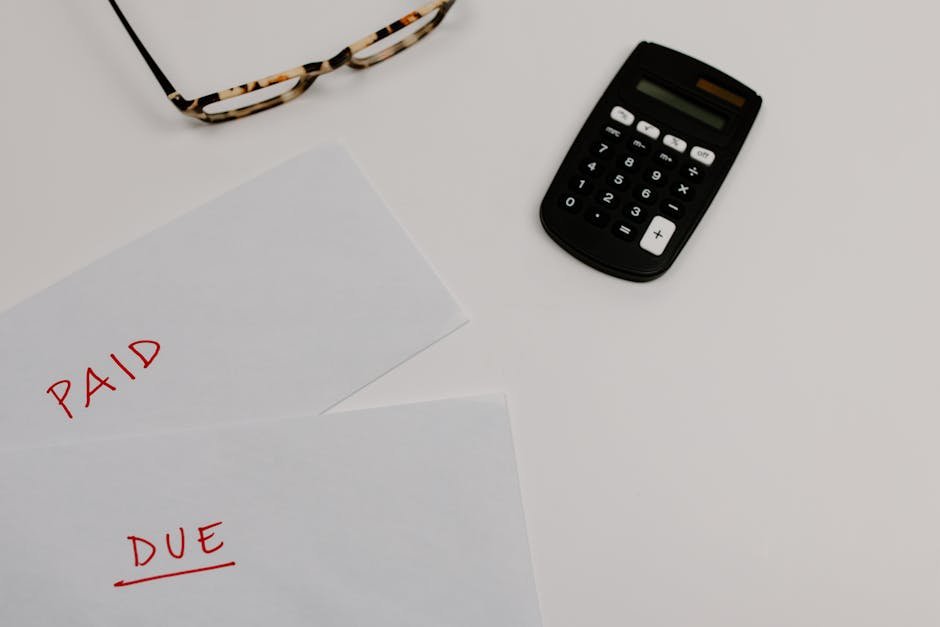
A missing field on an invoice is one of the most common reasons payment gets delayed — the client’s accounts payable team can’t process it until they follow up for the missing detail, which adds days or weeks to your payment timeline.
The essentials
- Your business name, address, and contact details
- Client’s name and billing address
- A unique invoice number, for both your records and theirs
- Invoice date and payment due date
- An itemized list of services or products, with quantity and rate for each
- Subtotal, any tax, and total amount due
- Accepted payment methods and where to send payment
Often forgotten, but frequently required
- A purchase order (PO) number, if your client issued one — many companies won’t process an invoice without it
- Your tax ID or VAT number, if applicable in your jurisdiction
- Payment terms stated explicitly (Net 30, due on receipt, etc.), not just a due date
The fastest way to avoid a missing field
Use a template that already has every standard field built in, rather than rebuilding an invoice from scratch each time. BizInvoiceGen covers the full list above so nothing gets left out under deadline pressure.
Why this checklist matters more than it looks
Invoice errors aren’t a minor annoyance — they’re one of the biggest drivers of late payment. Roughly 61% of late payments have been traced back to errors or missing information on the invoice itself, and studies of invoice quality have found error rates as high as 66% across typical small business invoicing. A missing field isn’t just sloppy, it’s a direct cause of getting paid slower.
The fields worth double-checking
- A unique invoice number. Sequential and unique, so both you and your client can reference it in any dispute or payment confirmation without ambiguity.
- Explicit payment terms. “Net 30” printed clearly, not implied. Include the actual due date as a calendar date, not just the term — clients are far less likely to miscalculate a fixed date than count 30 days from an unclear issue date.
- Itemized line items. Vague single-line invoices (“Consulting services — $2,400”) generate more payment disputes and follow-up questions than itemized ones, which slows payment even when the client isn’t disputing the total.
- Your business’s tax ID or registration number where required — missing this is a common reason invoices get kicked back by a client’s accounts payable department before they’re even queued for payment.
- Clear, prominent payment instructions — bank details or a direct payment link, ideally placed near the total rather than buried in fine print.
- Your contact information for billing questions specifically, separate from general contact info, so a payment question doesn’t get lost in an unrelated inbox.
Common mistakes
- Listing payment terms only as a code (“Net 30”) without a calculated due date, forcing the client to do the math themselves.
- Leaving the invoice number off entirely, making it hard for a client’s AP team to reference the invoice when processing payment.
- Burying payment details at the bottom of a long invoice instead of making them immediately visible near the total due.

About the Author
Oliver K.G.
Oliver K.G. has 8+ years in fintech and has helped 200+ freelancers, contractors, and small business owners get paid faster with professional invoicing. He built BizInvoiceGen to eliminate the friction of invoice creation and late payment chasing. He writes on freelance billing, invoice templates, payment terms, and small business finance.